

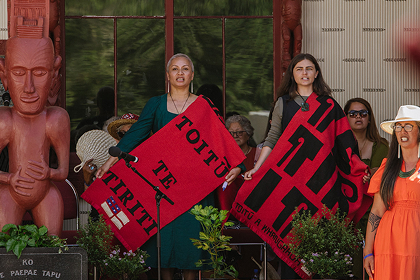








This is a image/text section header | subtitle
This text can be edited in the content section however you need to tag the <p> tag with a style that forces it to be our body copy size, this text has the code in it, just go to the content section and click the <> and copy paste the styling from it.
Notice that also the image is scaling from the center and on a wide screen it shows more of the image. On a typical 1440 laptop screen it looks square but on wide it will be a rectangle. this module still needs a bit of tweaking and it also needs a decent amount of text to look decent. But not a bible so that it gets too tall.
Noting that buttons dont work as tags on here so we use the button class and add to content section under the copy. like so like this.